
Quick Elements

Solutions / Live venues

Live venue website with ticket sales.

Quick Elements helps comedy clubs, music rooms, and small venues launch show pages with online ticket sales, live capacity, table reservations, passes, gift cards, and quick updates.

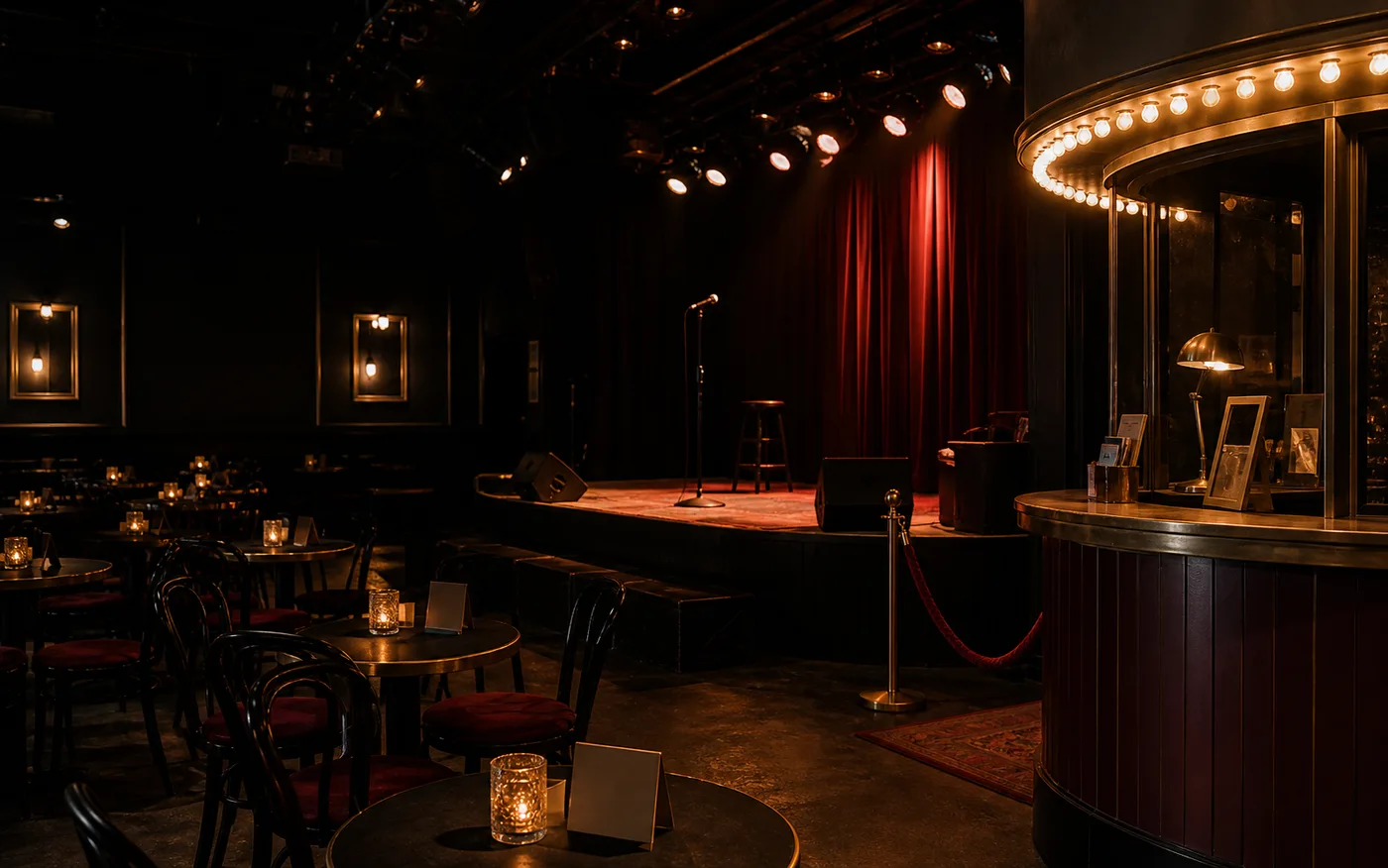
Intimate live venue with stage lights, empty seats, and a box office before doors

box office

This week's line-up

The Marquee

On sale
Thu 8p Headline Stand-Up From $18 · front-row extra Selling fast
Fri 9p Open Mic Night Free entry RSVP
Sat 9p Soul & Funk Session Standing · $24 Booths left

Show pages that sell

Each night gets the acts, time, price, age rules, and tickets.

Ticket tiers and tables

General admission, reserved seats, booths, and passes can sell together.

Live capacity

Fans see what is available and buy before the best spots disappear.

The costly gap

A venue page has to sell the night, not just list it.

Fans decide quickly when the lineup, price, seat options, and availability are clear. The page has to create confidence and urgency at the same time.

What blocks the booking

A calendar listing rarely sells the night

Fans need more than a date. They need the act, vibe, price, seating, age rules, timing, and reason to buy now.

How Quick Elements answers

Give every show a focused page with ticket tiers, performer details, room info, media, policies, and a clear checkout path.

What blocks the booking

The best seats need urgency

If reserved tables, front-row seats, and booth packages are buried in a call-to-book process, fans settle for cheaper options or leave.

How Quick Elements answers

Sell ticket tiers, tables, booths, season passes, and upgrades online with live counts and clear limits.

What blocks the booking

Promoters need changes to go live fast

Lineups, support acts, sponsor notes, and door times change close to showtime.

How Quick Elements answers

Use the site builder to update show copy, posters, prices, sold-out states, and last-minute offers without waiting on anyone.

See it working

A box office that never closes.

This is what a Quick Elements venue site can look like: every show on its own page, live seat options, and tickets sold while the office is dark.

Example of a The Marquee website built with Quick Elements, showing online booking with live availability and payment, ending in a confirmed booking.

What this page is about

A calendar people scroll and show pages that close.

Fans need the lineup, the vibe, the ticket choices, the room details, and how many good spots are left.

Show pages with the right details

Lineup, start time, doors, age rules, ticket types, room format, accessibility, and policies should be easy to scan.

Ticket options people understand

General admission, reserved seating, front row, booths, drink packages, and passes need separate value.

Capacity and urgency

Live counts, sold-out states, and limited upgrades help fans decide before they close the tab.

Fast promotion changes

Add support acts, posters, sponsor notes, last-minute tickets, and private hire offers yourself.

Every stage

Built for the way your nights actually run.

Use one site for show tickets, table reservations, passes, private hire, gift cards, and last-minute announcements.

Comedy clubs

Ticket weekly shows with front-row upgrades, two-drink notes, and season passes.

Music venues

Sell standing, seated, VIP, and booth packages for bigger nights.

Theaters and promoters

Run seasons, reserved seating, member pricing, and artist pages.

Private hire

Capture buyout enquiries, deposits, packages, and corporate nights.

Booking, payments, follow-up

From ad click to ticket sold, every step stays on brand.

Quick Elements combines show pages, online ticketing, payment, reservations, and an editable builder so each promotion can move quickly.

01 The fan lands on the show Ads can point to one night, one artist, a season pass, or a featured run of shows.
02 They choose the ticket that fits Ticket tiers, tables, booth packages, and add-ons are explained before checkout.
03 Payment confirms attendance Sell tickets, passes, table deposits, gift cards, and upgrades online.
04 The venue keeps promotion current Use the builder to update lineups, posters, door times, ticket notes, sponsors, and sold-out states.

Ways to sell

Sell the seat, the table, and the return visit.

A live venue can monetize the night in layers, from general admission to booth packages and season passes.

Tickets

Move fans from interest to checkout

Every show can sell general, reserved, standing, VIP, or front-row tickets with live capacity.

Tables

Make group nights higher value

Booths, reserved tables, and hospitality upgrades can sell beside admission.

Passes

Turn regulars into repeat buyers

Season passes, member nights, and multi-show bundles give fans a reason to commit early.

Private hire

Capture the larger enquiries

Corporate nights, buyouts, and special events can collect details and deposits.

Starter directions

Start with a venue-ready design.

These starters already handle line-ups, ticket tiers, and reservations. Add your shows and go on sale.

Live preview Marquee Open full preview
Screenshot of the Groove template homepage

Groove

A seventies-flavored record shop site with sunburst stripes, spinning vinyl motifs, crate highlights, and in-store event listings.

music · retail · entertainment

Screenshot of the Volt template homepage

Volt

A neon CRT arcade bar site with scanline glow, game cabinet rosters, league nights, and party booking prompts.

arcade · bar · entertainment

Screenshot of the Marquee template homepage

Marquee

A dark, marquee-lit comedy and live music venue site with a nightly line-up, ticketed shows, reserved booths, season passes, and live seat counts.

entertainment · music · culture

Before they decide

What venue teams need before sending traffic.

Can we sell several ticket types for one show?

Yes. A show can include general admission, reserved seating, booths, upgrades, passes, or deposits.

Can we update details close to showtime?

Yes. You can change copy, lineups, posters, prices, capacity, and sold-out messages with the site builder.

Can ads land on one show instead of the main calendar?

Yes. Send each campaign directly to the show, pass, or private-hire offer you want to sell.

Fill the room

Give every show a page built to sell the room.