
Quick Elements

Solutions / Clinics

Clinic website with online appointment booking.

Quick Elements helps clinics and practitioners publish an SEO-ready website with treatment pages, practitioner details, real appointment times, package payments, and patient-friendly booking.

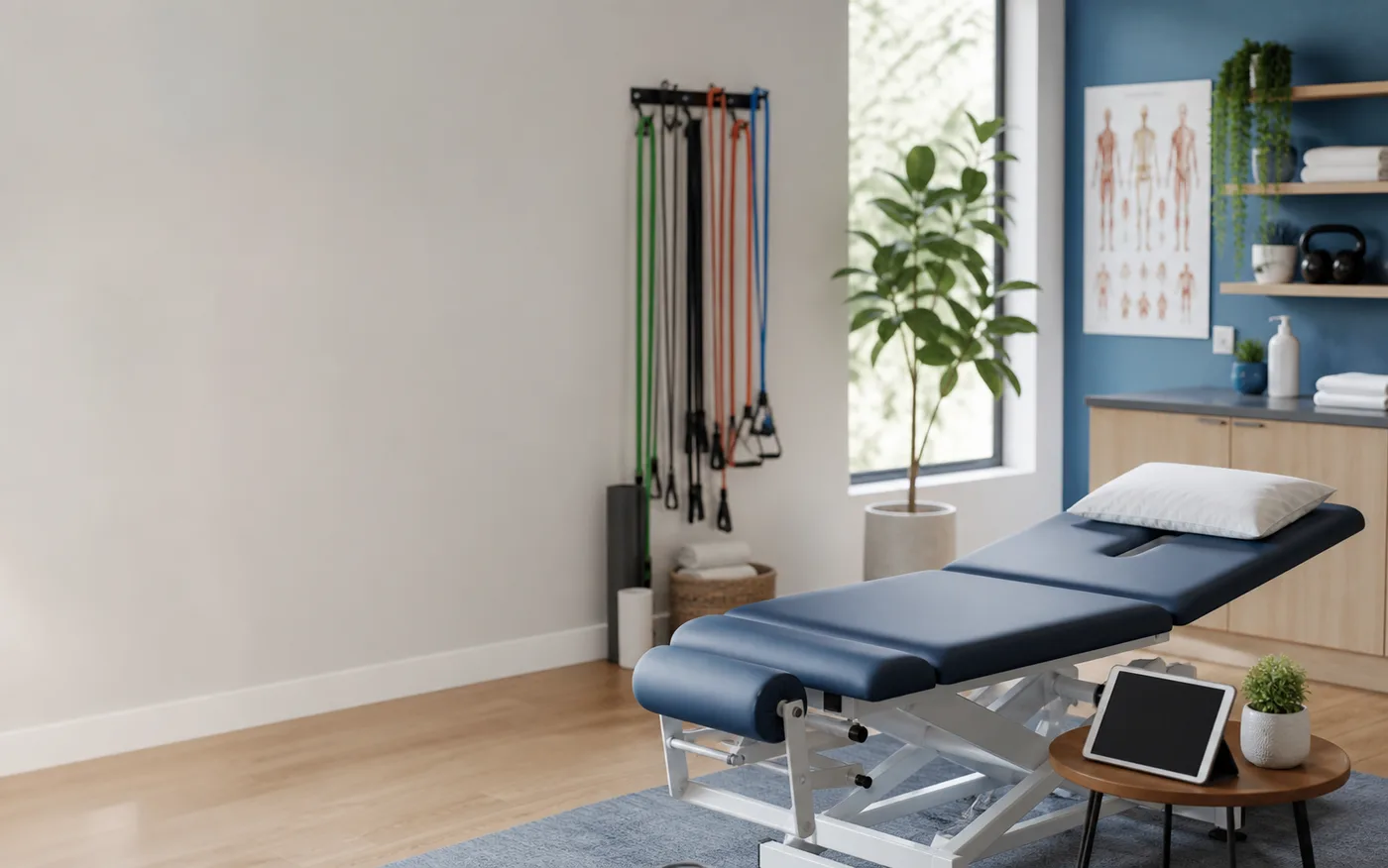
Modern clinic room with an exam table, mobility bands, and a booking tablet

patient chart

Today's appointments

Grove Street clinic

Live
8:00a New patient assessment 60 min · Dr. Reyes Booked
9:30a Adjustment visit 20 min Open
11:00a Sports rehab 45 min Open
2:00p Posture clinic Group · 6 seats 2 left

Self-service appointments

Patients can choose a real time without calling reception.

Clear treatment pricing

Costs, durations, and next steps are visible before booking.

Prepaid care plans

Assessments, follow-ups, and visit blocks can be sold online.

The costly gap

Most clinic websites make motivated patients wait.

When someone is ready to book care, uncertainty is expensive. The page has to answer practical questions and make the appointment feel easy.

What blocks the booking

Patients delay when the next step is unclear

A clinic page that says "call us" adds friction at the exact moment a patient is ready to act.

How Quick Elements answers

Show treatments, prices, appointment types, and open times on one page so the next step is a confident booking.

What blocks the booking

Reception becomes the conversion bottleneck

Calls, voicemail, and back-and-forth scheduling make it harder to fill gaps in the calendar.

How Quick Elements answers

Let patients book new assessments, follow-ups, screening days, and classes themselves while your team keeps control of availability.

What blocks the booking

Trust has to be built before the visit

Patients want to understand the practitioner, the process, the cost, and whether their issue is a good fit.

How Quick Elements answers

Use the page builder to add practitioner bios, FAQs, care paths, conditions treated, reviews, and policies around the booking flow.

See it working

A clinic site that books patients after hours.

This is what a Quick Elements clinic site can look like: the services, the real openings, and a confirmed appointment before the front desk opens tomorrow.

Example of a Grove Street Clinic website built with Quick Elements, showing online booking with live availability and payment, ending in a confirmed booking.

What this page is about

Trust on the page, booking in a tap.

Patients want to know what you treat, what it costs, what happens next, and when they can come in. Answer those questions before the booking button.

Appointment types that make sense

New patient assessment, follow-up, rehab session, screening day, and workshop bookings can each have their own details.

Pricing without awkward calls

Publish prices, duration, what is included, and whether payment is due now or at the visit.

Confidence-building content

Explain conditions treated, practitioner credentials, visit flow, parking, insurance notes, and cancellation rules.

Calendar control

Open or close appointment types, add clinic days, and update availability without rebuilding the site.

Every kind of practice

Built for the way your clinic really runs.

Use one site for appointments, packages, screening days, and education events instead of sending patients through disconnected tools.

Chiropractic and physio

Book assessments, adjustments, rehab blocks, and prepaid treatment plans.

Dental and health studios

Present care menus, new-patient visits, follow-ups, and payment options clearly.

Screening days

Open a limited block of appointments and let patients reserve the available slots.

Workshops and classes

Sell seats to posture clinics, mobility sessions, and small-group education.

Booking, payments, follow-up

The booking flow supports the care flow.

Quick Elements combines appointment booking, online payment, event seats, and an editable site builder so your clinic can keep the calendar accurate without extra admin.

01 The patient sees the care path The landing page explains what you treat, who it is for, what it costs, and what appointment to choose.
02 They choose a real appointment The booking system shows live times by appointment type, practitioner, duration, and capacity.
03 Payment or deposit is handled online Take payment for assessments, prepaid plans, clinic-day slots, or workshops before the visit.
04 Your team keeps the page current Use the builder to update practitioner bios, services, prices, FAQs, and clinic days as the practice changes.

Ways to sell

Fill the calendar with the right appointment types.

Use booking pages for first visits, ongoing care, limited clinic days, and education events that create trust before the patient arrives.

New patients

Turn searches into booked assessments

Give first-time patients a clear path from symptoms and services to the right appointment.

Treatment blocks

Sell the plan, not just the visit

Package follow-ups, rehab blocks, and prepaid visits so patients commit to the full care path.

Screening days

Fill limited appointment blocks fast

Promote a focused clinic day with live slots and simple online payment.

Classes

Create lower-friction entry points

Posture, mobility, recovery, or education sessions can sell as small events with capped seats.

Starter directions

Start with a clinic-ready design.

These starters already handle treatment menus, pricing, and appointment booking. Add your services and go.

Live preview Align Open full preview
Screenshot of the Bloom template homepage

Bloom

An organic wellness site for salons, spas, and studios with calm botanical structure, transparent prices, and easy booking details.

salon · spa · wellness

Screenshot of the Mint template homepage

Mint

A brutally minimal clinic site for dentists and health studios: white space, hairline rules, plain-language care, and visible pricing.

dental · health · clinic

Screenshot of the Align template homepage

Align

A precise chiropractic and physiotherapy clinic site with treatment pricing, prepaid visit types, screening-day tickets, and self-service appointment booking.

clinic · health · wellness

Before they decide

Practical answers for clinic owners.

Can patients book without calling?

Yes. You can show real appointment types and times, then let patients reserve the slot that fits.

Can we show prices without taking full payment?

Yes. You can publish clear pricing and choose whether the booking takes full payment, a deposit, or no payment.

Can we keep health copy practical and non-technical?

Yes. Pages can explain care in plain language while still giving patients the details they need to decide.

Fill the calendar

Give patients a clearer path from concern to confirmed appointment.